Why a $7 JSAUX Screen Protector Is Mandatory for Your Nintendo Switch 2 - gaming article
Why This Matters Right Now
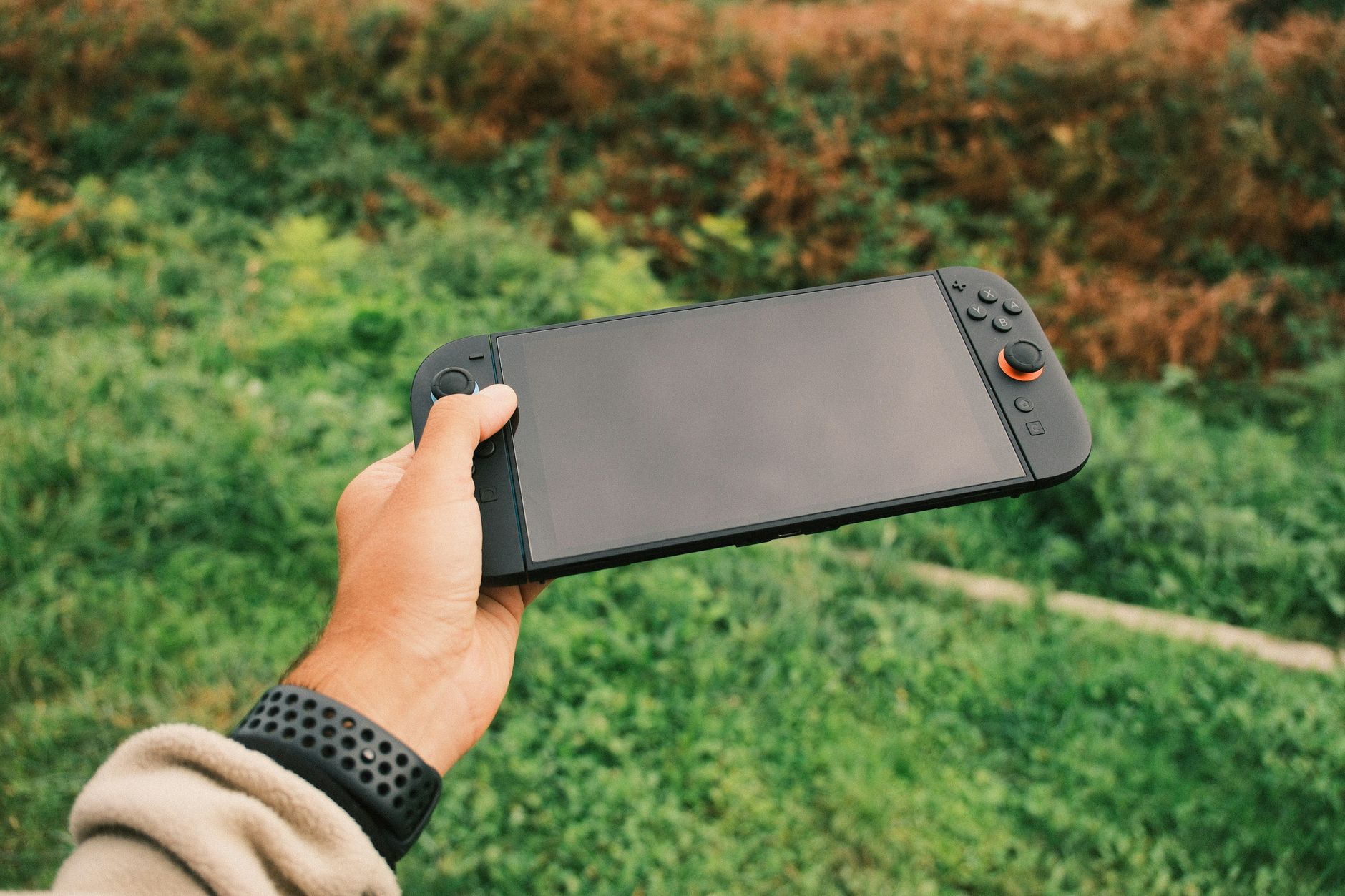
Let’s be real for a second — you’re about to drop a serious chunk of change on a brand-new console, and watching that pristine glass get its very first hairline scratch is basically a gamer’s worst nightmare. I’ve been there, staring in absolute horror at a deep gouge on a handheld screen I’d only owned for a week, and trust me, the heartbreak is completely avoidable. With the Nintendo Switch 2 demanding a hefty investment, rolling the dice without a screen protector is the ultimate noob trap you can easily dodge. It’s cheap insurance for your hardware, plain and simple, saving your expensive display from kids, pets, clumsy hands, and rogue backpack keys.
If you’re anything like me, your handheld console goes everywhere. It lives in your backpack, gets tossed on the couch, and occasionally gets handed to a distracted friend or hyperactive kid who treats a $400 piece of tech like a plastic toy. That’s why picking up a reliable, budget-friendly tempered glass option isn’t just a QoL upgrade; it’s a mandatory day-one purchase. You wouldn’t drive a sports car without a windshield, so don’t take your brand-new handheld out into the wild naked.
Luckily, the market is already adapting, and you don’t need to break the bank to get top-tier protection. Brands like JSAUX have basically mastered the art of making dirt-cheap accessories that punch way above their weight class. We’re talking about spending the cost of a fancy coffee to protect a high-end gaming machine, which makes skipping this step a total skill issue on your part.
The Core Loop Explained
When it comes to screen protection, the meta has thankfully shifted away from flimsy plastic films that bubble up after two days. The modern standard relies entirely on 9H tempered glass, which hits that sweet spot of feeling like the actual console screen while taking all the brutal damage for you. If something drops on your Switch 2, the protector takes the shatter so your actual hardware stays completely mint.
Beyond just stopping cracks, a good protector needs to maintain 99% transparency and absolute zero latency on touchscreen inputs. Nobody wants to miss a crucial dodge roll or inventory tap because their screen protector is acting like a thick sheet of bulletproof glass. Plus, dealing with greasy fingerprints in the middle of an intense gaming session ruins the immersion fast, making oleophobic coatings a total non-negotiable feature.
What to Look For in Handheld Glass
- 9H Hardness Rating: High resistance to keys, coins, and accidental drops.
- Oleophobic Coating: Keeps smudges and fingerprint grease to an absolute minimum.
- Case Friendly Cut: Sits flush without lifting when you snap on your favorite protective shell.
- High Transparency: Zero distortion so your games look just as crisp as intended.
5 Mistakes You’re Probably Making (Quit These Today)
Let’s be honest, putting on a screen protector can feel like playing a stressful mini-game where a single speck of dust ruins your entire run. Over the years, I’ve messed up more applications than I care to admit, usually because I rushed the process or skipped a crucial step. Save yourself the pain and avoid these common slip-ups:
- Applying it in a dusty room: Doing this over a carpet or near an open window is asking for airborne debris to trap underneath the glass. Do it in the bathroom right after a hot shower when the steam has settled the dust!
- Skipping the guide frame: Eyeballing the alignment is a classic ego trap. Use the plastic guide frame if your kit includes one to get it dead-center on the first try.
- Forgetting to degrease the screen: Even a brand-new console out of the box has factory oils. Always wipe it down with the alcohol pad and microfiber cloth first.
- Pressing down too hard with bubbles: Trying to aggressively smash bubbles out before the adhesive settles can crack the glass or trap grit. Push them gently toward the nearest edge.
- Going naked because you hate bubbles: Stop coping and telling yourself you “play carefully.” Accidents happen when you least expect them.
My Go-To Loadout for Total Console Protection
When I look for the ultimate budget play, the JSAUX 3-pack for around $7 easily takes the crown as my BiS recommendation. It hits every single requirement you could possibly want without making you feel like you’re overpaying for a piece of glass. You get three pieces in the box, which is basically mandatory because even veterans occasionally mess up a bubble-free alignment on the first try.
The best part about this specific kit is how seamlessly it fits the Switch 2 display while maintaining the exact touch sensitivity you need for fast-paced titles. The matte finish options are also fantastic if you hate dealing with overhead glare while playing near a window or outdoors. At roughly $2.33 per screen protector, it’s easily the highest value-to-performance ratio you’ll find on Amazon right now.
Pairing this glass with a decent grip case turns your portable setup into an absolute tank. You can toss it in a backpack, hand it off to a friend, or drop it on the hardwood floor (please don’t actually do this) without having an immediate panic attack. It’s cheap, reliable, and completely eliminates hardware anxiety.
Pro Tips That Skip the Grind
Want to get that factory-installed look on your first try without pulling your hair out? Here are a few veteran tricks to make the process completely painless. First, use a piece of scotch tape as a hinge mechanism if your kit doesn’t include a frame; line it up perfectly, tape down one side like a book, clean the screen underneath, and flip it down.
Second, if a stubborn dust speck does get trapped underneath, don’t panic or throw the glass away. Use a tiny piece of low-tack dust-removal sticker to gently lift the corner of the protector just enough to slide a second sticker underneath and grab that pesky piece of dust. It’s a total cheese strat that saves you from wasting a brand-new sheet of glass.
Finally, always let the adhesive do the work naturally. Once you drop the glass onto the screen, tap the center gently and watch the dark wave of adhesive spread outward across the display on its own. Fighting the glass never works, but patience always wins the speedrun.
Frequently Asked Questions
Is the JSAUX screen protector hard to install for a beginner?
Not at all! Most of their kits come with an alignment frame that practically snaps the glass into place for you. Just make sure your screen is 100% dust-free before dropping it down.
Will this interfere with touchscreen sensitivity or docking?
Zero interference. At just 9H thin, your finger inputs will register instantly, and it’s engineered to slide in and out of the official console dock without catching or scratching.
Why do I need a 3-pack instead of just one?
Because Murphy’s Law dictates that if you only buy one, you will inevitably trap a hair under the center of the glass. Having backups ensures you can do a flawless redo if needed.
Does this work with most handheld carrying cases?
Yes, the edges are precision-cut with a slight margin to ensure they don’t lift up when you slide your console into a tight zippered carrying case or grip shell.
Wrapping Up
At the end of the day, dropping seven bucks to protect a multi-hundred-dollar investment is the easiest decision you’ll make all year. You don’t want to learn this lesson the hard way after a clumsy drop ruins your display on a long weekend trip. Grab a multi-pack, take five minutes to apply it cleanly, and game on with total peace of mind.
What’s your go-to accessory brand for handhelds, or are you brave enough to rock your screens completely naked? Drop a comment below and let me know. Bookmark this page — I’ll be updating it with more essential accessory reviews the second the next big hardware patch drops!
About the Author